Allen Bradley vs. Click
3 mins read
Published Jan 15, 2026
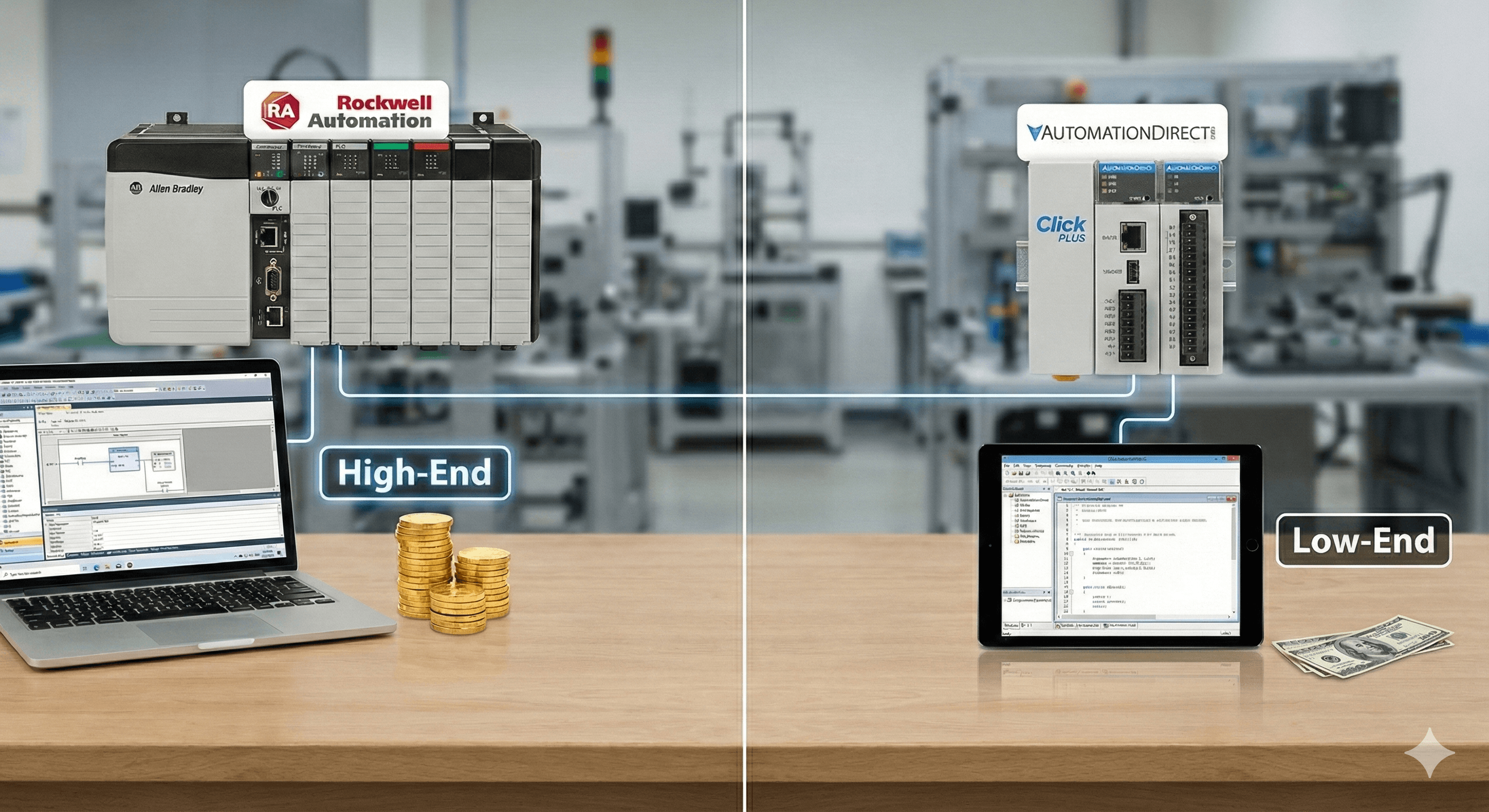
In the world of industrial automation, the debate is as old as the technology itself: "Do I need the gold-plated Rockwell chassis, or can I run this pump station on a $100 brick?"
For system integrators, this isn't just a technical question—it’s a profitability question. As a control engineer, you know that hardware costs are only one line item on the quote. The real cost lies in development time, licensing, and long-term support.
In this article, we’ll compare high-end heavyweights (like Allen Bradley and Modicon) against the scrappy low-end contenders (like AutomationDirect’s Click and Productivity series) to help you decide which platform protects your project margins.
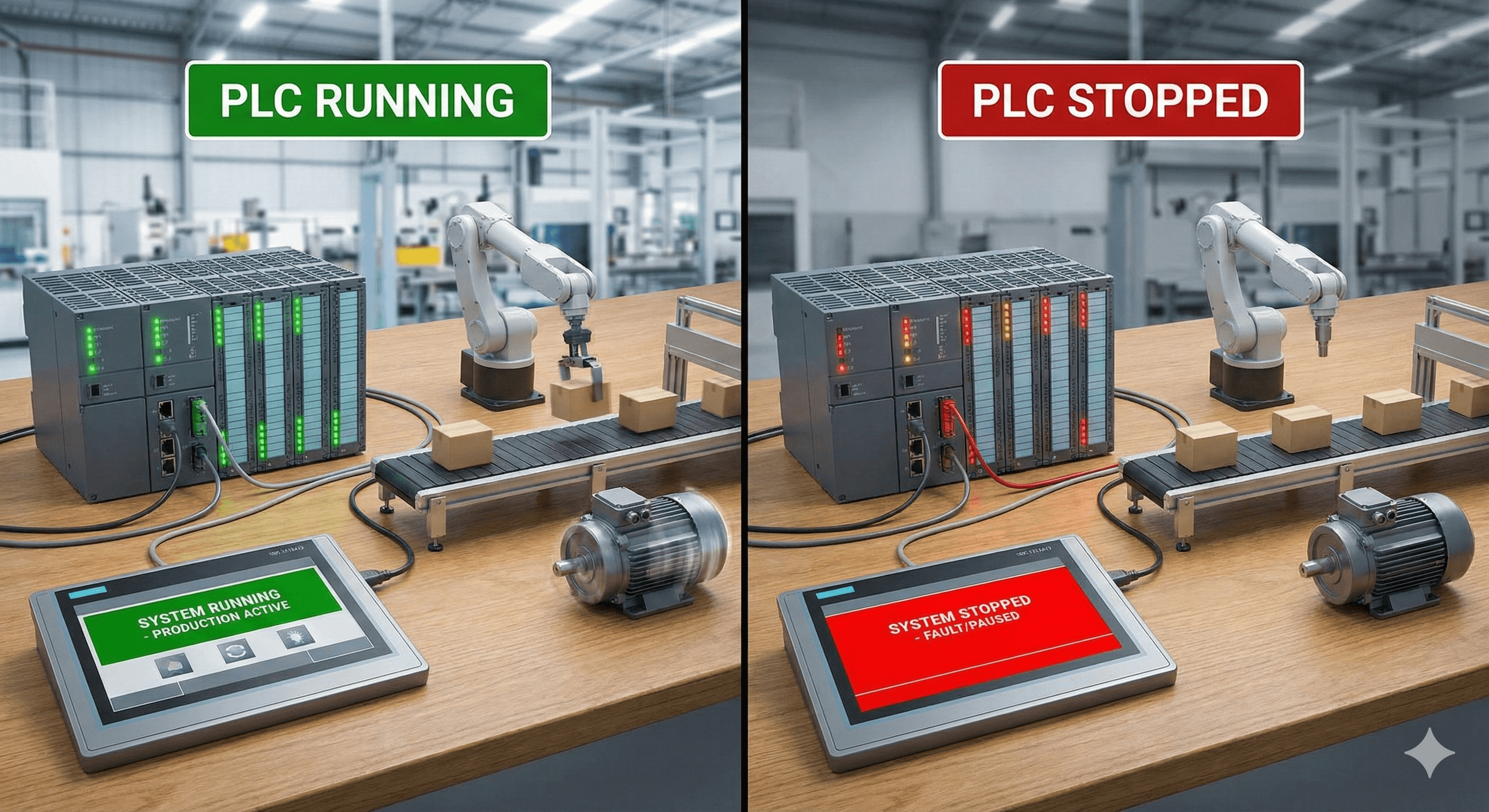
The High-End Heavyweights: Allen Bradley (Rockwell) & Modicon (Schneider)
When a customer spec reads "Must use ControlLogix," you know two things immediately: the hardware bill will be high, and the software bill will be higher. But you also know it’s going to work.
The Pros
The Ecosystem: Studio 5000 (formerly RSLogix) is the industry standard. Its tag-based programming, User-Defined Data Types (UDTs), and Add-On Instructions (AOIs) allow for massive code reuse.
Scalability: A ControlLogix L8 processor can handle thousands of I/O points, complex motion axes, and safety integration (CIP Safety) without breaking a sweat.
"No One Gets Fired for Buying IBM": If a machine goes down at 3 AM, maintenance managers want to see a logo they recognize. Finding a technician who knows AB is easy; finding one who knows specialized micro-controllers is hard.
The Cons
Cost: You are paying a premium for the brand. A basic CompactLogix CPU can run $1,500+, and a ControlLogix rack can easily hit $10k before you terminate a single wire.
The "Pay-to-Play" Model: TechConnect contracts and annual software licensing fees eat into overhead. If you are a small integrator, maintaining a seat of Studio 5000 Professional is a significant recurring cost.
The Low-End Challengers: AutomationDirect (Click, Productivity)
Years ago, "cheap" PLCs were glorified relays. Today, platforms like the Click PLUS or Productivity 2000 are legitimate contenders for serious automation tasks.
The Pros
Price: It is unbeatable. A Click CPU with Ethernet/IP capability costs roughly $150. You can build an entire panel for the cost of one Rockwell analog card.
Software: It is free. No licensing, no seats, no annual support contracts. You can download the software today and start programming.
Surprising Capability: Modern low-end PLCs support MQTT, EtherNet/IP (Implicit and Explicit), and Modbus TCP. They can easily talk to SCADA systems like Ignition.
The Cons
Online Editing Limitations: While improving, low-end platforms often lack the robust online editing capabilities of high-end PACs. Stopping a process to download a code change is a dealbreaker in continuous manufacturing.
Perception: Some end-users still view AutomationDirect as "hobbyist" gear. You may have to fight to get it approved on a spec.
The Verdict: It’s About the "Hidden" Hours
Here is the truth every system integrator learns the hard way: Hardware savings are often lost in labor hours.
If you save $1,000 on a PLC but spend 10 extra hours fighting with a clunky IDE, dealing with limited debugging tools, or writing custom drivers because the "cheap" PLC doesn't support a standard protocol natively—you haven't saved money. You’ve lost profit.
Conversely, if you are building a simple standalone skid, putting a $5,000 processor on it destroys your competitive bid.
Knowing Your True Project Profitability
Whether you are billing $200/hr for a ControlLogix migration or a fixed bid for a Click pump panel, the only way to know if a project was successful is to track your time against the specific tasks.
Did that "simple" Click project actually take 40 hours because of a firmware bug?
Did the Rockwell project bleed margin because the customer changed the spec 5 times?
This is why we built Time Assign.
Time Assign is a PSA (Professional Services Automation) tool built by control engineers for control engineers. We don't just track hours; we track the reality of systems integration. From commissioning delays to scope creep, Time Assign helps you see which PLC platforms—and which customers—are actually making you money.